



Remote Control
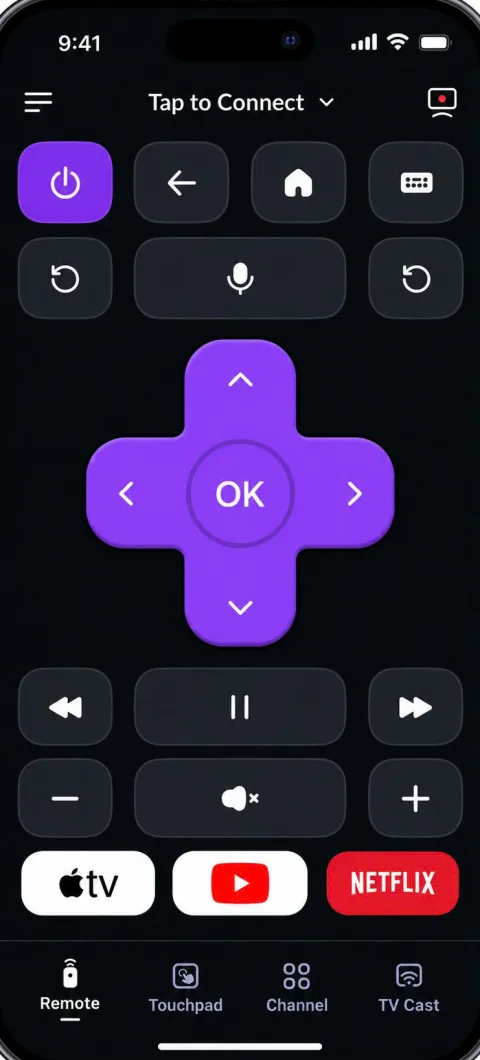
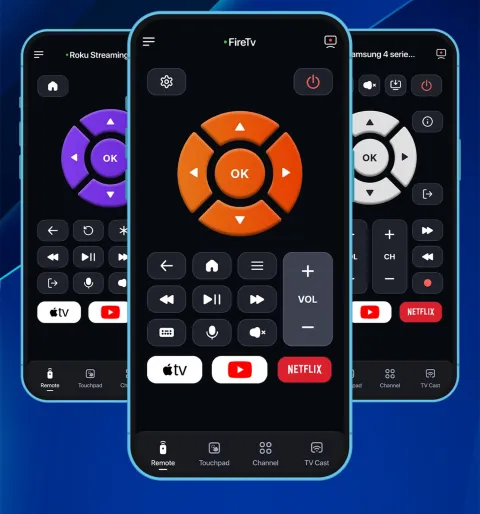
Power, volume, channels and navigation, just like your real remote.
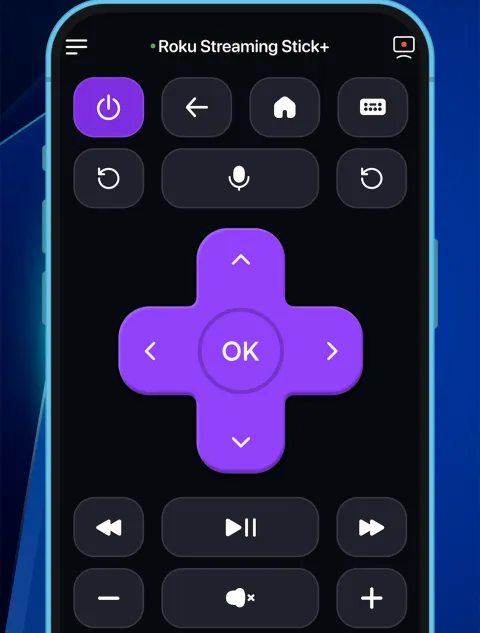
Turn your iPhone or iPad into a powerful universal TV remote. Connect over Wi-Fi and control Samsung, LG, Sony, Philips, Panasonic, Roku, TCL, Hisense, and more — all from one smart app.


and more…
Features
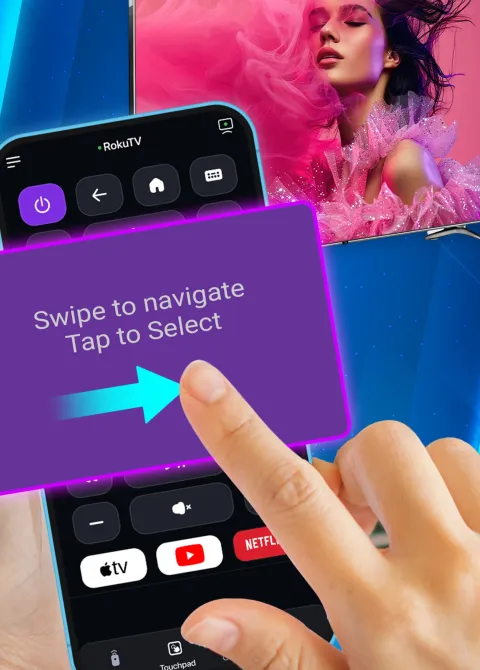
Power, volume, channels and navigation, just like your real remote.
Swipe to navigate, type to search, or just say what you want.
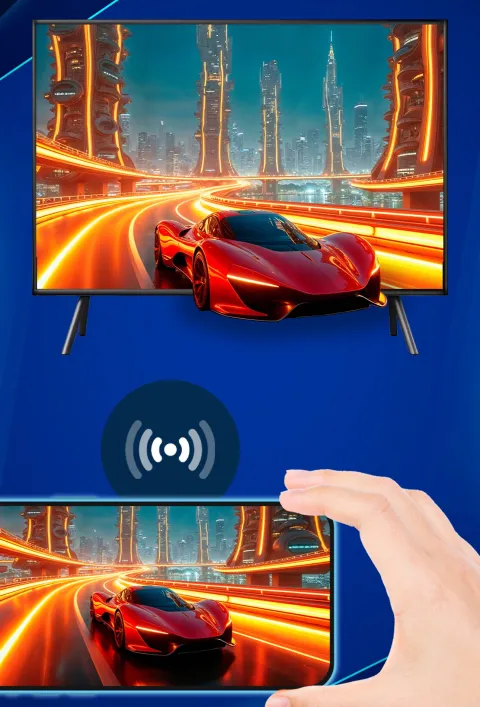
Show your iPhone or iPad screen on the big TV.
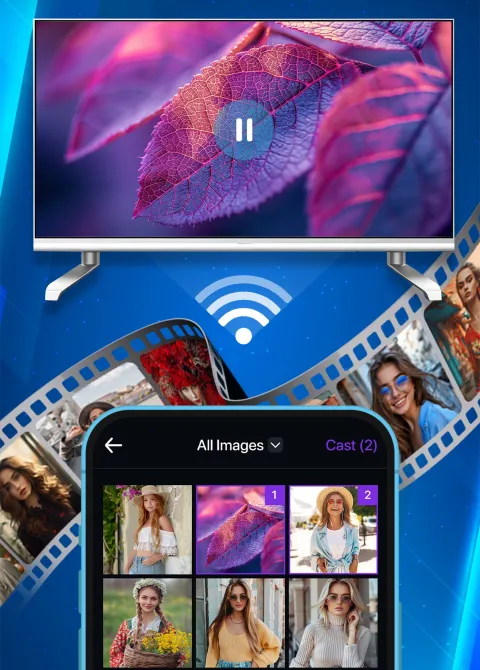
Play photos and videos from your camera roll on your TV.
Open your favorite streaming apps with one tap.
How It Works
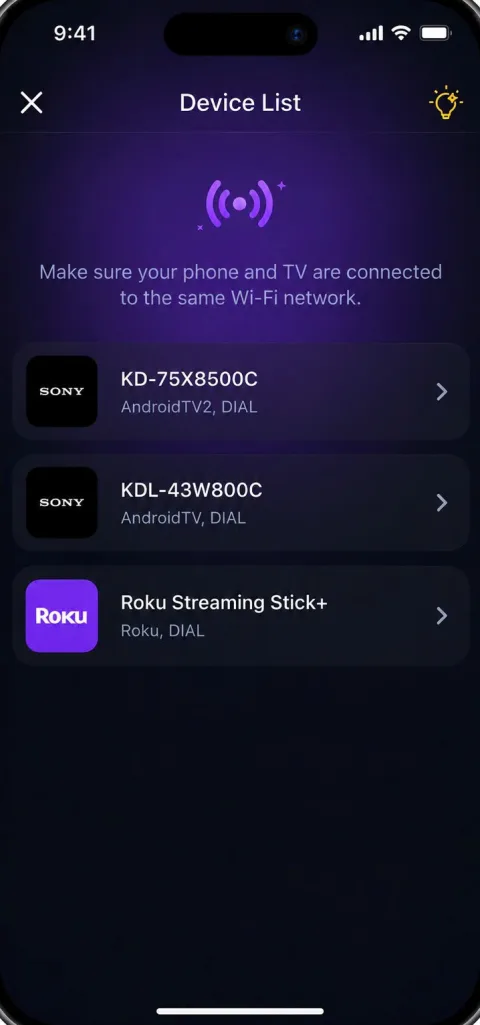
Open the app on the same Wi-Fi as your TV. It finds the TVs on your network and lists them.
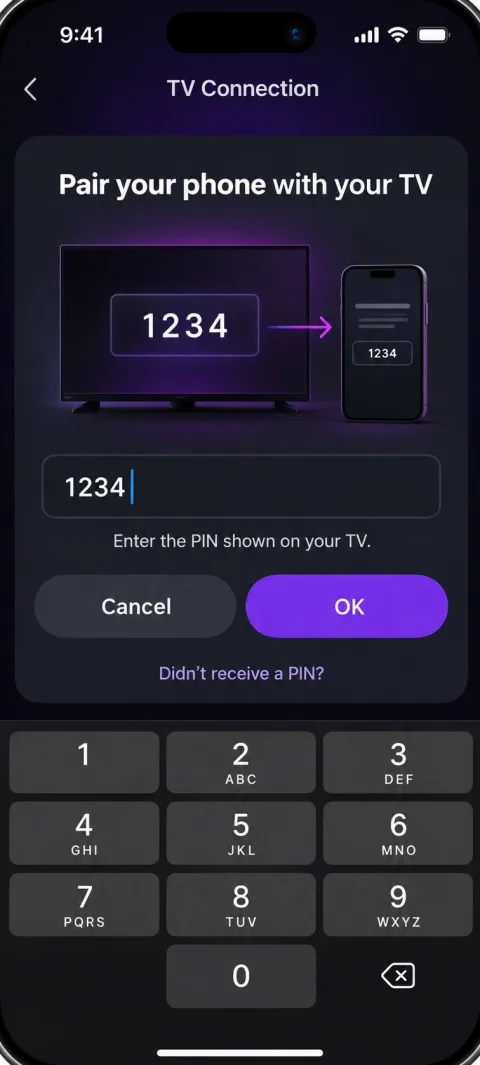
Type your code from the TV screen, or press Allow on the TV. You only do this once.
Touchpad, volume, channels and apps, in a layout made for your TV brands.

Download TV Control and enjoy convenient TV control from your iPhone.
Download on theApp Store